3D Print Farm Slicing: Why One Model Should Work on Every Printer
If you run a 3D print farm, you have a G-code library. Maybe it's a folder on a shared drive, maybe it's a naming convention that made sense six months ago, maybe it's just a mental map of which file goes where. However it's organized, it exists — and it grows every time you add a SKU, add a printer model, or tune a profile.
This is the G-code management problem. It's not dramatic, and it doesn't announce itself. It just quietly accumulates overhead until you're spending a meaningful amount of time maintaining files instead of running printers.
The Problem With Pre-Sliced Files at Scale
Pre-slicing works fine when your farm is small and stable. One printer, a handful of models, profiles you've dialed in over months — G-code files are reliable and predictable. You know exactly what you're getting because you produced it yourself.
The cracks appear when things change. Add a second printer model and you need a separate G-code for every model in your catalog — different bed size, different capabilities, different default behavior. Switch filament brands and your existing G-code may no longer be calibrated correctly; the temperature, retraction, and flow settings were tuned for the old material. Tweak a process profile to improve quality on one product and you need to re-slice everything that uses it, re-upload everything, and hope nothing gets mixed up in the process.
The deeper issue is that G-code bakes in three things at once: the model geometry, the printer's hardware characteristics, and the material parameters. That's useful for reproducibility — the same file will always produce the same print. But it means every time any one of those three things changes, the file is stale. On a growing farm, something is always changing.
The Color Problem Most Farms Aren't Accounting For
Here's where it gets worse for multi-color prints, and where most operators aren't doing the math.
For single-color products sold in multiple colorways, the math is straightforward — one G-code per printer model, and swapping filament colors doesn't change anything. But for prints that use multiple colors simultaneously, the purge matrix becomes a factor. The purge matrix governs how the AMS flushes between filaments mid-print, and the flush volumes and sequencing change depending on which specific colors are loaded. A G-code sliced with red-to-blue purge settings is calibrated differently than one sliced for white-to-black.
Most farms running multi-color prints use a single G-code and accept whatever purging behavior results — often without realizing the output may be suboptimal. Done correctly, a multi-color product sold in several color combinations across two printer models should have a separate G-code for each combination. In practice, almost nobody maintains that, which means they're either accepting suboptimal purging or spending time manually babysitting which file goes to which printer with which filament pair loaded.
Neither is a good answer.
The Personalization Problem G-code Can't Solve
There's one category of products where the pre-sliced G-code workflow doesn't just become inconvenient — it breaks down entirely: personalized prints.
A keychain with a customer's name on it. A phone stand with custom dimensions. A plaque with an uploaded logo. These products can't be pre-sliced because the geometry doesn't exist until the order comes in. Every job is unique, which means every job requires a fresh slice from a parametric model — one that takes the customer's input, generates the geometry, and produces the right G-code for whichever printer is available.
Printago supports this natively through parametric model integration with OpenSCAD, CadQuery, and build123d. When a personalized order comes in — a name, a font choice, a custom dimension — Printago passes those parameters to the model, generates the geometry on demand, and slices it automatically for the assigned printer. First-class support for custom text, fonts, and logos means the full range of personalization use cases works out of the box, not as a workaround.
With a pre-sliced G-code workflow, this category of product is simply not automatable. You can take the order, but someone has to sit down, open a slicer, generate the geometry, slice it, and upload the result. Every single time.
A Different Way to Think About It
The G-code file isn't the natural unit of storage for a print farm. The model is.
Your wall mount design doesn't change when you add a printer. It doesn't change when you swap filament brands or sell it in a new color. The geometry is the geometry. What changes is the combination of that geometry with a specific printer's characteristics and a specific material's parameters — and that combination only needs to exist at one moment: when a job is assigned to a printer and it's time to print.
This is the idea behind Printago's cloud slicer. Rather than requiring pre-sliced G-code for every printer-material combination, Printago generates G-code automatically at job assignment time. When the queue assigns a wall mount job to your X1C with blue PETG loaded, Printago combines three profile sources on the fly:
The machine profile from your X1C — bed size, nozzle configuration, AMS layout, printer capabilities
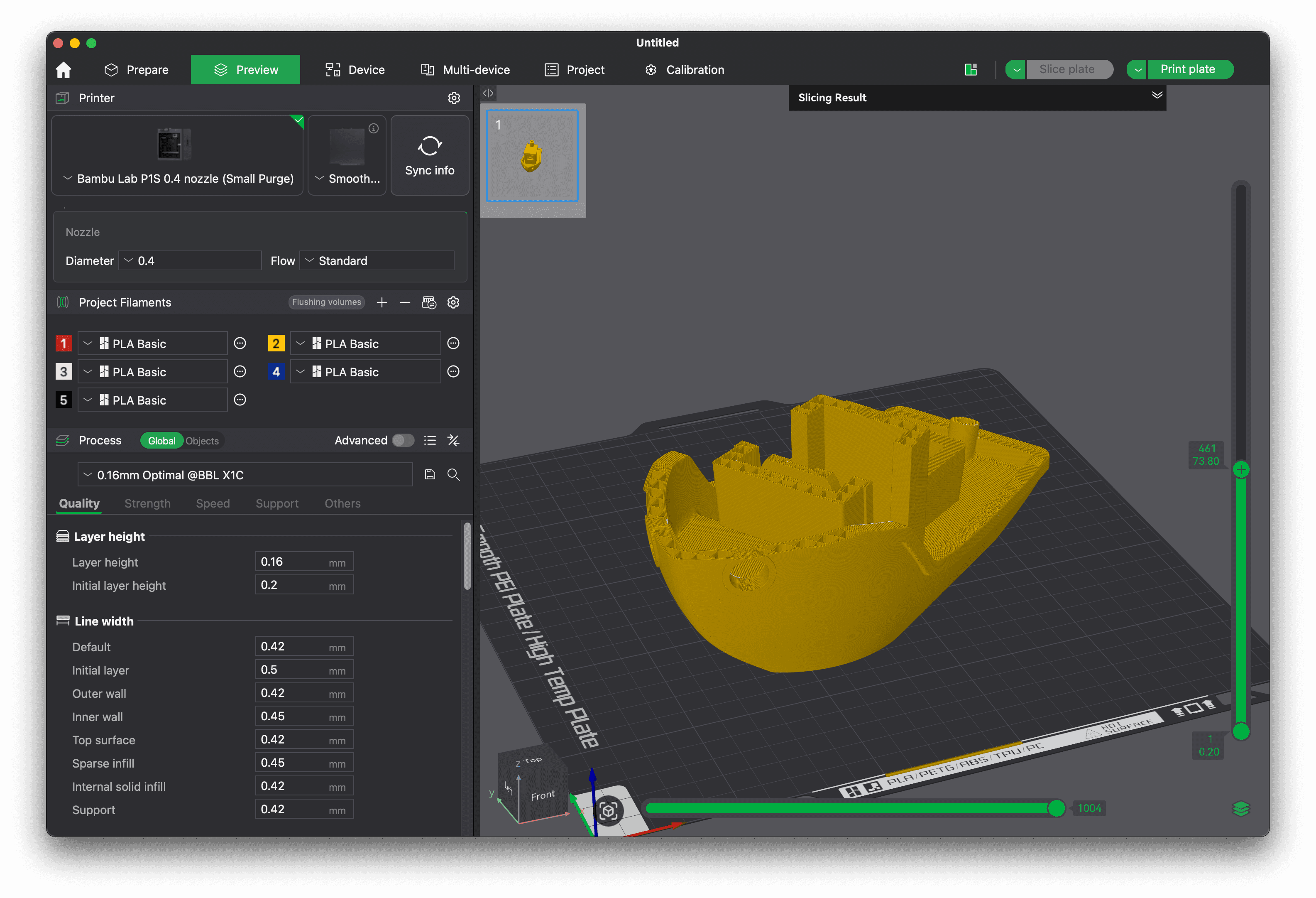
The material profile from the matched filament — temperature, retraction, flow, cooling, and the correct purge matrix for the loaded colors
The process profile from the model — layer height, infill, supports, quality settings
The result is G-code built specifically for that printer, that material, at that moment. The same model file works on your P1S with whatever is loaded there. You upload once and the farm handles the rest.
Intelligent Caching Means No Speed Penalty
The obvious concern with on-demand slicing is latency. If every job requires a fresh slice, you're waiting for G-code generation before anything can print.
Printago addresses this with intelligent caching. If the same model has been sliced for the same printer with the same profiles before, the result is cached and reused instantly — no re-slicing delay. The cache invalidates automatically if anything meaningful changes: the model is updated, a profile is modified, a material assignment changes. When that happens, Printago re-slices the next time the job runs, and the new result becomes the cached version going forward.
In practice, repeat prints — which make up the majority of production volume on any commercial farm — are instant. First-time slices run in the background while the rest of your queue keeps moving. And when you update a process profile to improve quality, every future job that uses that profile gets the improvement automatically. No re-slicing queue, no file management, no version control headaches.
Profile Updates Propagate Automatically
This is where the operational leverage becomes clear. On a traditional G-code workflow, improving a profile means re-slicing every model that uses it, re-uploading every resulting file, and verifying nothing was missed. On a farm with 20 SKUs and two printer models, that's a meaningful chunk of time — and a real opportunity for error.
With dynamic slicing, a profile lives in one place. Update it once and every future job that references it gets the new version. You tune your PETG material profile to run at a slightly higher temperature — all future jobs using that material on any printer get the improvement automatically, with no manual steps.
The same applies to process profiles. Create a "0.16mm high quality" process profile that applies to several models, and updating it once updates the output for all of them. The profile is the source of truth, not the G-code file.
G-code Workflows Still Work
Dynamic slicing isn't a forced migration. Printago supports pre-sliced G-code uploads alongside dynamically sliced models — both live in the same queue, both route to printers the same way, and there's no distinction at the job level.
Some situations genuinely call for pre-sliced files: highly dialed-in prints where exact reproducibility matters, models with complex slicer setup you've tested extensively, or workflows where you want full control over the exact G-code being sent. Printago doesn't take that away. You can mix pre-sliced and dynamically-sliced jobs in the same queue and the same production run.
The choice of which approach to use for any given model is yours. Dynamic slicing is available when the flexibility and reduced file management overhead is worth more than the control of a fixed G-code file.
What This Looks Like in Practice
A farm running 20 SKUs across two printer models — under a traditional G-code workflow — is maintaining 40 files at minimum. Every profile tweak means re-slicing and re-uploading a significant portion of that library. For any multi-color products, add a G-code per color combination per printer model on top of that.
Under a dynamic slicing workflow, the farm maintains 20 model files. Adding a printer model requires no additional files — Printago generates the right G-code for the new printer automatically, with the correct profiles and purge matrix for whatever material is loaded. Updating a profile takes seconds and propagates immediately.
The operational difference compounds as the farm scales. More SKUs, more printer models, more colors, more frequent profile tuning — each of those things multiplies the file management burden under a pre-sliced workflow and adds nothing to the overhead under a dynamic one.
The model is the right unit. G-code is the output, not the archive.
Printago's cloud slicer is included with every account. Get started for free →