3D Print Farm Maintenance Tracking
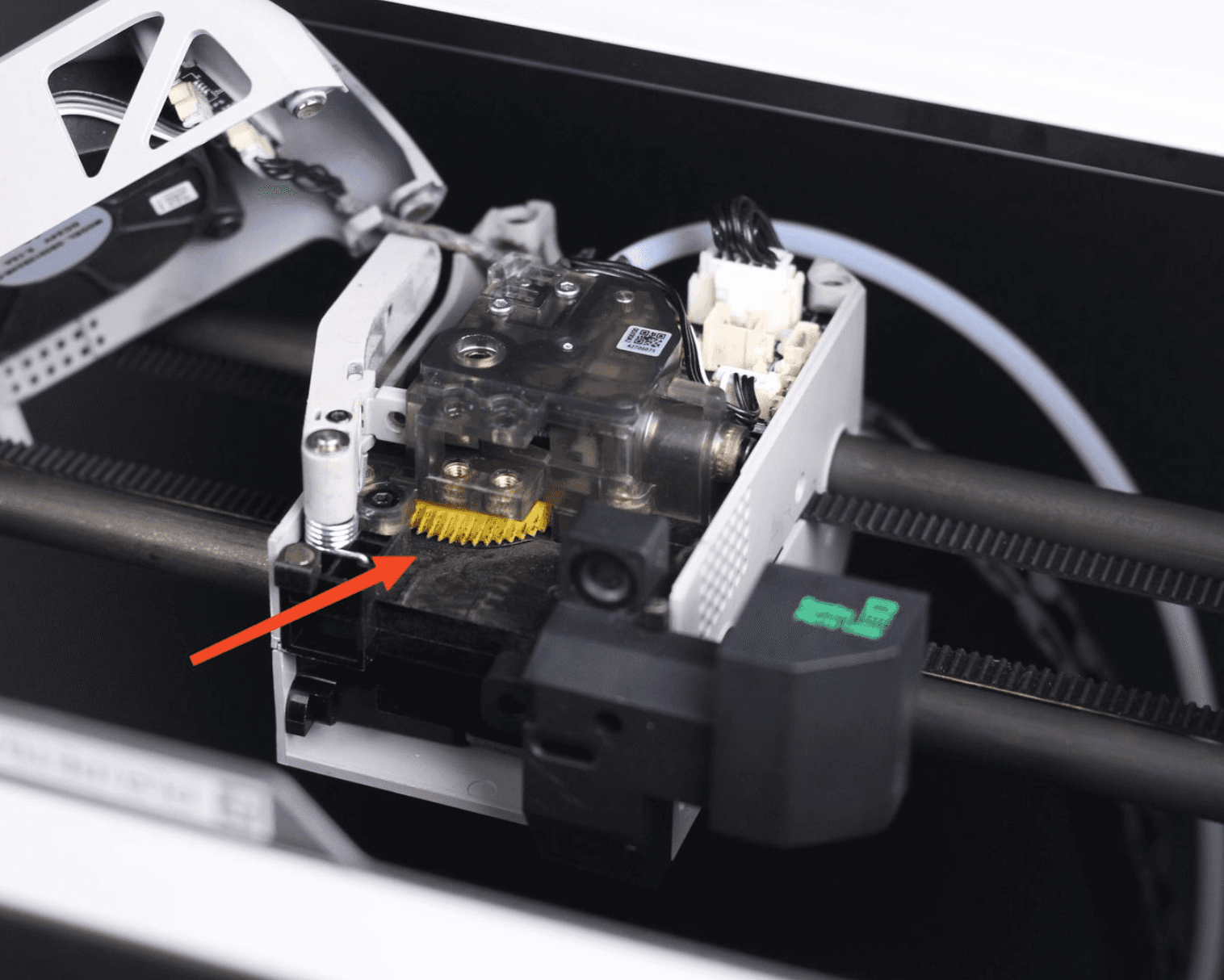
Fleet Maintenance Tracking Is Now Live In Printago
Printago is built around the idea that running a commercial print farm should feel like running a real business — with proper tooling to match. Today we're shipping the Maintenance Tracker, a new add-on that gives you a structured way to track recurring maintenance tasks across your fleet. It's free to enable while it's in beta.
What It Does
Maintenance Tracker lets you define recurring tasks triggered by print hours, calendar days, or job count — then assign them to individual printers or printer groups. Each printer gets its own offset so existing runtime is accounted for from day one. From there, Printago tracks progress and surfaces what's coming due before it becomes a problem.
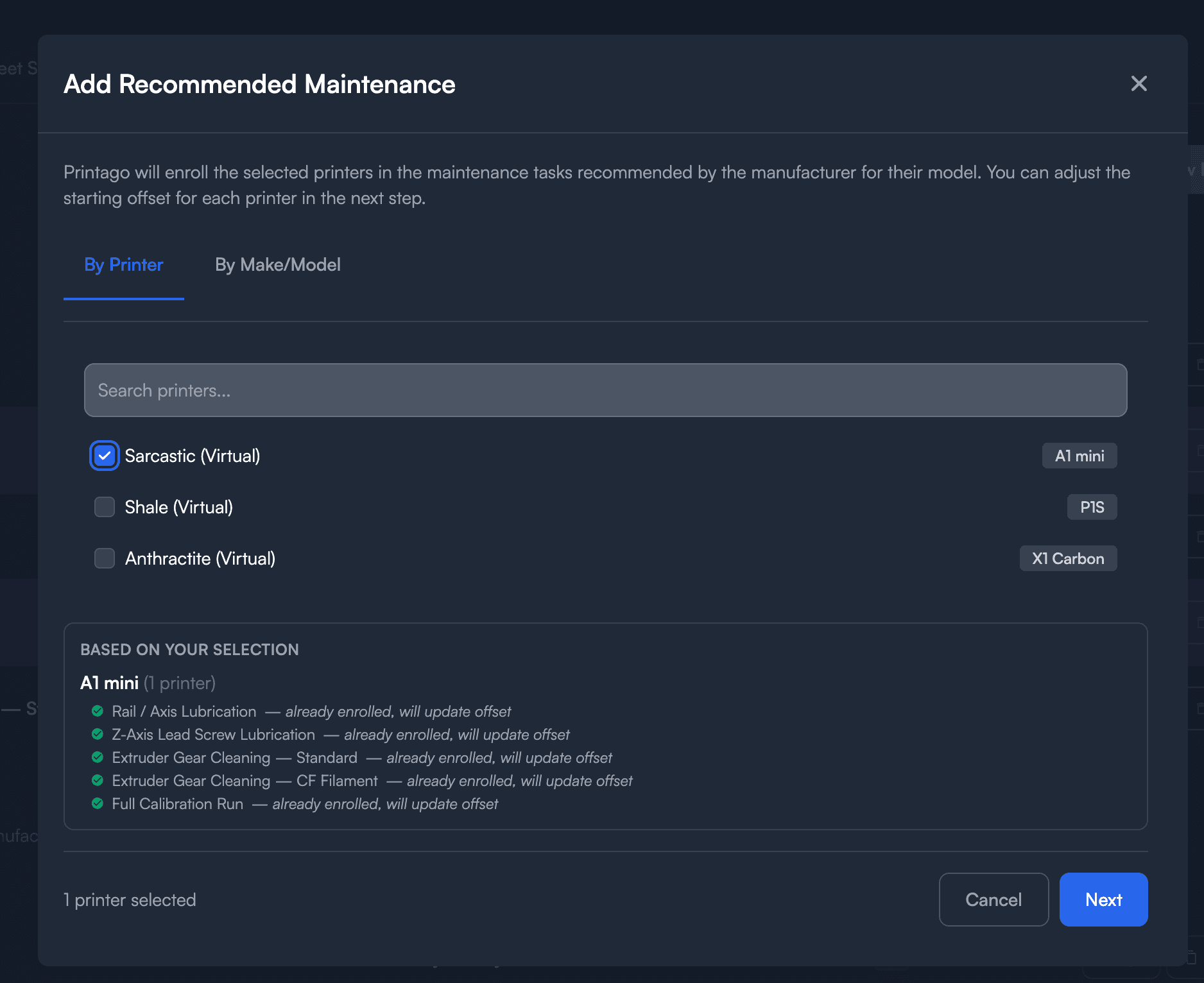
The add-on ships with pre-built maintenance schedules based on Bambu Lab's published recommendations for every supported model: A1, A1 Mini, X1C, P1S / P1P, P2S, and H2D. You can use them as-is, duplicate and customize them, or build your own from scratch.
Fleet Status at a Glance
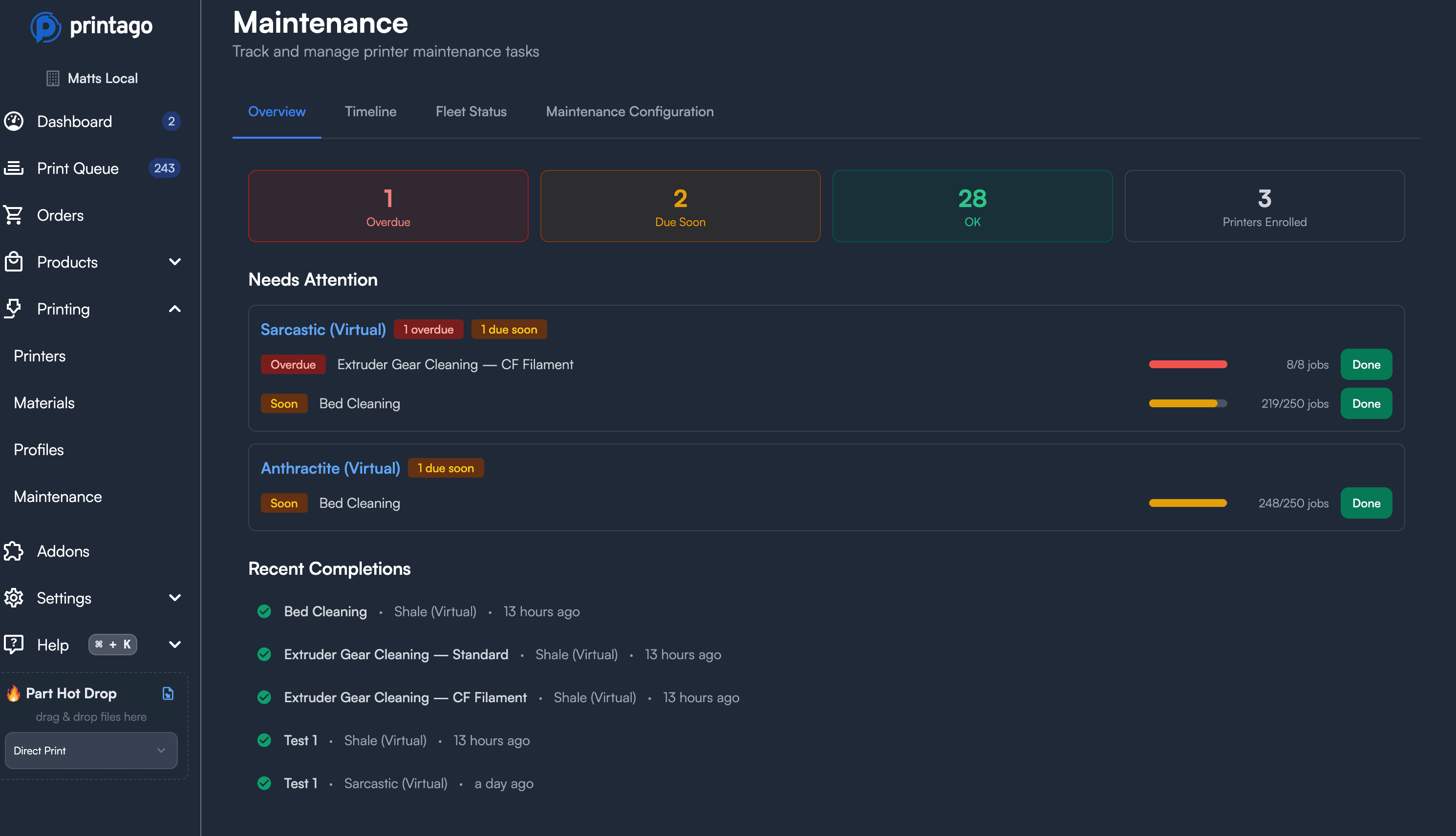
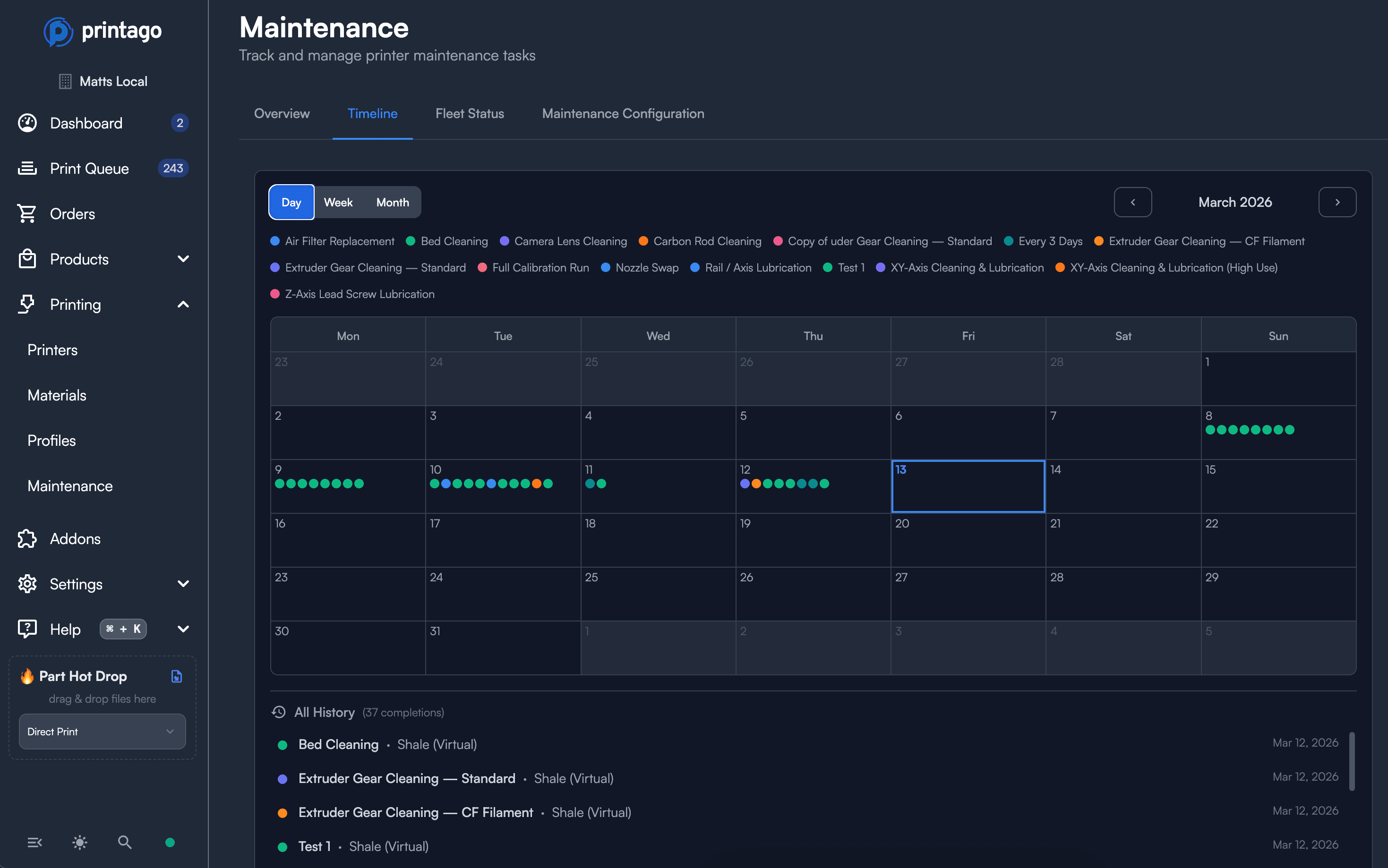
The Fleet Status view shows every printer and every assigned task in one place, sorted by urgency. Progress bars indicate how far into each maintenance cycle a printer is. Anything approaching due shows a warning indicator; anything past due shows as overdue. A completion history timeline gives you a visual record of when tasks were completed and whether they were done on time, late, or well overdue.
This matters at scale. When you're running 20 or 40 printers, keeping maintenance state in a spreadsheet or in your head stops working. The Fleet Status view makes it obvious what needs attention today.
Maintenance Mode
When a printer needs to come offline for service, the Maintenance Mode toggle on the printer page removes it from the queue immediately and marks it not-ready. Your dashboard shows an "OUT FOR MAINT" badge on the card so your whole team knows what's going on — no messages needed.
When you're done, the printer doesn't automatically go back into rotation. You bring it back manually, which is intentional. You've done the maintenance; you decide when it's ready.
Maintenance Mode is also available as a bulk action on the Printers list if you need to pull multiple machines at once.
Notifications and Webhooks
Maintenance warnings and overdue events route through Printago's existing notification system. If you already have Discord or webhook notifications configured, you can add maintenance events to your existing setup without any additional configuration. Full documentation is available at docs.printago.io.
A Note on Bambu Lab's Built-in Reminders
The Bambu Lab printers have built-in HMS maintenance reminders in firmware. Printago's tracking runs independently — it does not read from or sync with the printer's internal counters.
How to Enable It
Maintenance Tracker is available to all Printago accounts free during beta.
To enable it: Settings → Add-Ons → Maintenance Tracker.
From there, the add-on surfaces a recommended setup flow that walks you through selecting your printers and assigning the pre-built schedules for your models.
Pricing after beta will be listed at printago.io/pricing. If you have feedback while it's in beta, drop it in Discord or email support@printago.io.